
.webp)
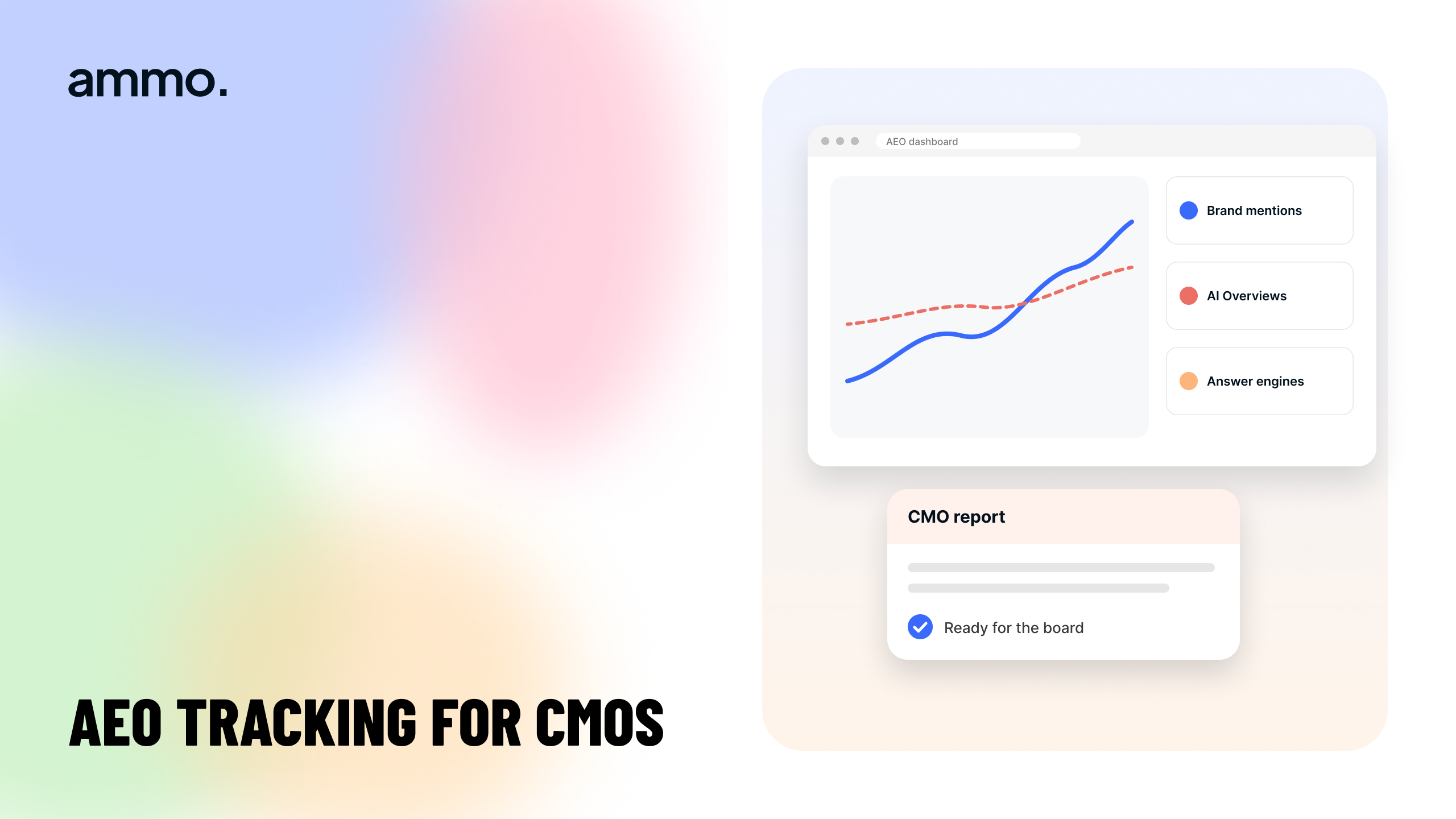
AEO tracking tools that hold up in a CMO report
What makes an AI visibility report defensible
A defensible report pulls from four sources, not one dashboard: your server logs showing which AI crawlers fetched which pages, your analytics showing sessions referred by AI assistants, a fixed prompt set you sampled on a stated date, and your own content inventory as the control. No tracking tool on the market owns all four, because two of them live in your systems and one depends on a sampling method you have to choose and disclose. The tool category worth paying for is the one that samples prompts and shows its work. Everything else you already have.
The test for "defensible" is simple. If your CMO forwards the deck to a skeptical CFO, every number must survive the question "where did this come from and could you run it again tomorrow and get the same answer." Most AEO dashboards fail that test on the second half.
The four data sources behind the number
Server logs for crawler coverage
Your logs are the only census you own. They show which AI crawlers requested which URLs, how often, what status code came back, and which sections never got fetched at all. This is first-party, complete, and repeatable, which is why it belongs first in the report. Crawler coverage is also the one metric where a gap maps to a fix you can schedule: a blocked path, a page behind a script render, a section no internal link points at.
Analytics for assistant referrals
Referral data tells you what happened after the citation. Sessions arriving from AI assistants can be segmented like any other source and joined to form fills and pipeline in your CRM. The honest caveat belongs in the report: referral capture is partial, because many AI answers end the session without a click, and some assistants strip or mask the referrer. Report what you can see and label the blind spot rather than letting someone else find it.
A prompt set you control
This is where tracking tools earn their fee. A tool queries AI assistants on a list of prompts, records which brands and URLs get cited, and tracks the movement over time. The defensibility rests entirely on whether you control that list. A vendor-chosen prompt set that moves in your favor is not a result, it is a selection effect. Build the list from the questions your sales team hears, freeze it, and change it only with a dated note in the report.
A content inventory as the control
The fourth source is your own page list with publish and update dates. Without it, you cannot tell whether a visibility gain came from new content, a refreshed page, a structured data change, or a model update you had nothing to do with. Teams that keep this inventory can attribute movement. Teams that do not are presenting weather reports.
Why one dashboard number falls apart in review
A single AI visibility score usually hides four weaknesses, and a sharp CMO will find at least two of them.
- It is a sample, not a census. There is no login, no verified panel and no query volume data from the assistants, so every score is an estimate from a prompt list.
- Answers vary by session, region, account history and model version. Two runs an hour apart can disagree, which means a report without run dates and model versions cannot be reproduced.
- The prompt list is the whole methodology. If it is not published inside the report, the number means nothing to a reviewer.
- Share-of-voice math differs by vendor. One tool counts a brand mention, another counts a linked citation, another weights position in the answer. They are not comparable, so switching tools resets your trend line.
None of this makes tracking useless. It makes undisclosed tracking useless.
What to check before you buy a tracking tool
Judge tools on auditability, not on the size of the prompt library.
- Can you see and edit the full prompt set, and export it?
- Does every data point carry a timestamp, the assistant used, and the model version where available?
- Does it record the cited URL, not only a brand mention?
- Can you export raw rows to your warehouse, so the trend survives a vendor switch?
- Does it separate your pages from third-party pages that mention you, since those need a different play?
- Can it ingest or sit beside your crawler log data, or will you join that yourself?
- Does it state its sampling frequency and region settings in writing?
A tool that answers yes to the first four is reportable. A tool that answers no to the first one is marketing.
The monthly report structure that survives scrutiny
Keep it to one page with four blocks, in this order.
- Crawler coverage. Pages fetched by AI crawlers this month against total indexable pages, with the sections at zero named.
- Answer share. Citation rate across the frozen prompt set, with the run date, the assistants tested, and a link to the prompt list.
- Downstream. Sessions and form fills attributed to assistant referrals, with the capture gap stated in the same sentence.
- What changed. Pages published, pages refreshed, structured data shipped, and anything that moved on the model side outside your control.
The last block is what turns a scoreboard into a management tool. It is also the one that protects you when a number drops for reasons no vendor can explain.
Fix what the crawlers fetch before you buy more tracking
Tracking tells you where you stand. It does not change the thing being measured. Three site-side conditions do more for citation rate than any dashboard: clean machine-readable markup so an assistant can parse your claim, a page architecture where every answer sits at a stable URL, and performance good enough that crawlers and people both complete the fetch. Only 48% of mobile websites pass all Core Web Vitals, according to HTTP Archive Web Almanac analysis of July 2025 data, so the bar is lower than most teams assume and still unmet.
Start with the markup. Our guide to the power of structured data in Webflow covers the schema that makes a page quotable, and the ultimate guide to SEO for Webflow websites covers the crawl and architecture work underneath it. For the writing itself, zero-click copywriting shows how to structure an answer so an assistant can lift it cleanly with attribution. When you want the whole program run as one workstream rather than a tool subscription, that is what answer engine optimization services covers.
If you want the measurement baseline before you spend on tooling, get the free GTM audit. It models the revenue case for the work using the Forrester TEI study commissioned by Webflow, which found 332% ROI over three years for Forrester's composite organization, and risk-adjusts the benefits down 15%.
Frequently asked questions
Can we report AI search visibility without buying a tool
Yes, partially. Server logs give you crawler coverage and analytics gives you assistant referrals, both first-party and both free. What you cannot do manually at any useful scale is sample prompts across assistants on a schedule, which is the gap a tool fills. Many teams run logs and referrals for a quarter first, then buy sampling once they know which prompts matter.
How often should we run the report
Monthly for the full report, with the prompt set sampled at the same point in the month each time. Running weekly adds noise, since answers shift between sessions and model updates land without notice. Keep the cadence fixed so the trend line means something.
What do we do when a competitor keeps getting cited instead of us
Pull the pages the assistant cites and compare them to yours on three things: whether the answer appears in the first lines under the heading, whether the claim carries a named source, and whether the page is one stable URL rather than a section buried in a longer piece. Most citation losses are structural, not authority gaps.
Who owns this reporting, marketing or engineering
Marketing owns the prompt set, the content inventory and the report. Engineering owns log access and crawler configuration. The handoff fails most often at log access, so agree on that before the first report, not after.
How much does it cost to run AEO as a program
Ammo's published pricing starts at $4,800 / quarter for Growth Support for companies under 100 employees, and $5,200 / month for Growth Partner for companies of 100 or more, with Growth Partner+ for enterprise scale starting at $15,000 / month. Plans are month-to-month and new client onboarding is limited to 8 per month across all plans. Pricing is subject to change.
Table of contents
Got questions for us? We got you!
Let’s Build What’s Next
Whether you're building your first product or evolving a mature platform, we’d love to help you craft what’s next.
.webp)


.webp)