
.webp)
The Webflow CMS Playbook for Dynamic Content
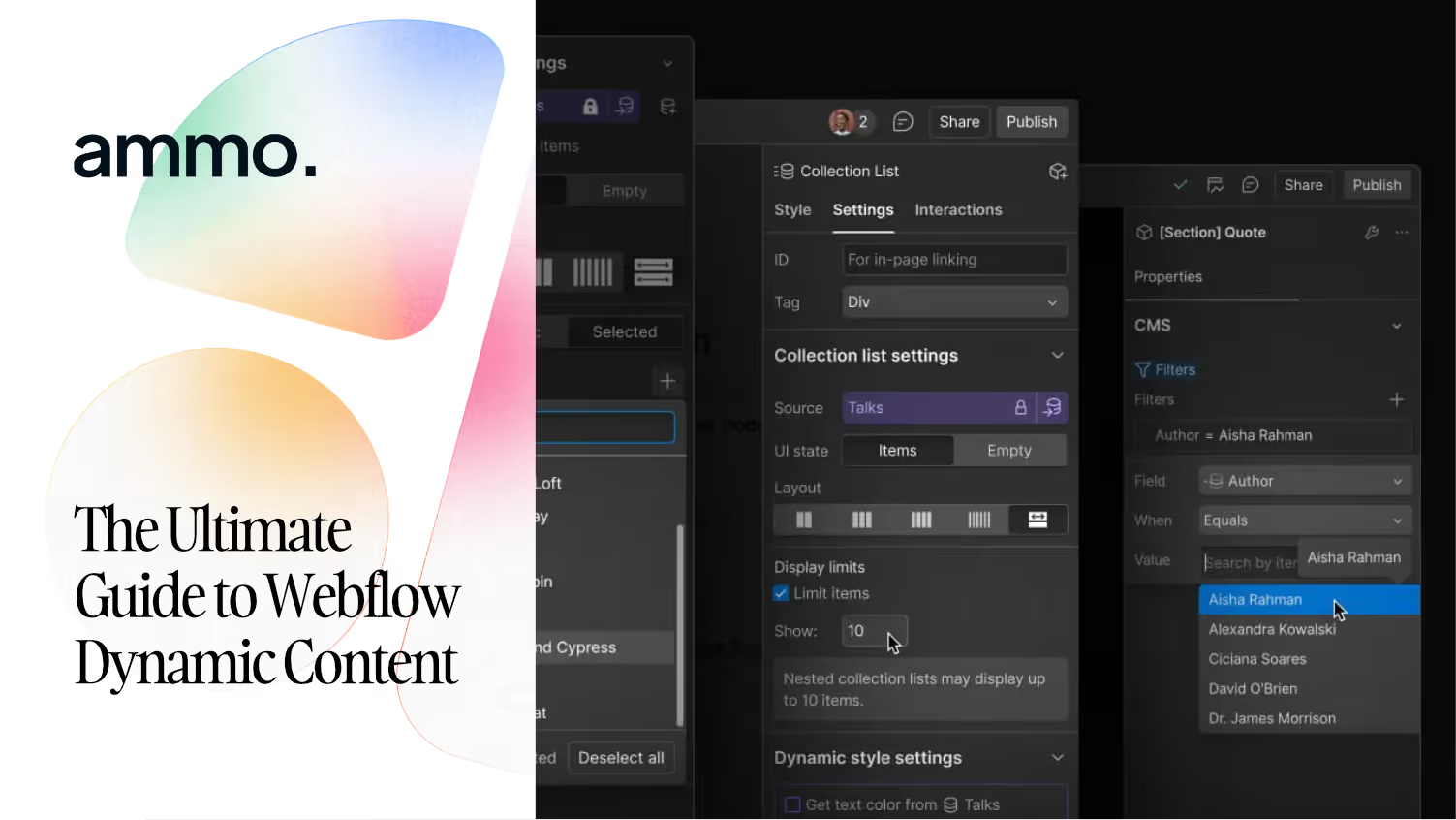
How to design a Collection schema you won't regret in 12 months
The Webflow CMS is one of the platform's most underused features. Most teams treat it like a blog engine. They build a Posts collection, a Categories collection, and stop. Then 18 months later they need to launch a programmatic landing page set, a case study library, and a multi-author resource hub — and the existing CMS structure can't support any of it without a refactor.
The CMS isn't a blog tool. It's the structural backbone of every scalable Webflow site. Here's how to design it so it grows with you instead of fighting you.
The fast version
A scalable Webflow CMS is built on four ideas: schema first (model your content like a database, not a webpage), reference fields over duplicated content, structured taxonomies (so filters and templates work without code), and template pages that handle 80% of the layout work via field bindings. Get those four right and you'll launch new content types in hours, not weeks.
The IKEA Manual vs The LEGO Set
Why most CMS structures collapse under their own weight
A poorly designed CMS is an IKEA manual. Every assembly is one-off — these screws, this position, this specific outcome. When you need to add a feature, you start over with a new manual.
A well-designed CMS is a LEGO set. Same standardised pieces — fields, references, templates — assembled differently for different outcomes. New content type? Pull existing pieces, snap them together, ship. The structural investment compounds with every new page type you add.
Schema first — model your content like a database
Before you create a single Collection in Webflow, sketch the schema in a doc. For each content type, answer four questions:
- What fields does this content have? List them all, including the ones you only need sometimes.
- Which fields reference other content types? (A Case Study references a Client, a Service, and an Industry — that's three reference fields, not three duplicated text fields.)
- What does an editor see when they create a new item? Group fields logically. The editor experience is a feature.
- What does the template page bind to? Every field should have a job. Vestigial fields that nobody uses become someone else's confusion later.
Five minutes of schema design saves five days of refactoring. The agencies that ship clean Webflow projects spend disproportionate time here.
Reference fields over duplicated content
The most common CMS mistake: storing the same data in multiple places. Author bio duplicated in every post. Service description retyped in every case study. Industry tag stored as free text instead of a reference field.
Every duplicate is a future maintenance bug. When the bio changes, you update 40 posts manually. When the service name changes, you find every case study by hand.
The fix: reference fields. Authors are a Collection. Services are a Collection. Industries are a Collection. Every other Collection that needs that data references it. One source of truth, updates everywhere. This is the single most leveraged decision in a CMS build, and the easiest to get wrong if you rush the schema phase.
Structured taxonomies that make filters work
Multi-reference fields are how you build proper taxonomies. A blog post can belong to multiple categories. A case study can serve multiple industries. A service can target multiple verticals. Build these as Multi-Reference fields, not comma-separated text strings.
The payoff: every Collection List on the site can be filtered or sorted by those references natively, without writing JavaScript. Marketing wants a page that shows all FinTech case studies? It's a Collection List with one filter applied. Five minutes of work that would have been five hours of custom code with a string-based tagging system.
Template pages that do the heavy lifting
Every CMS Collection has a template page — the layout used to render every item. The discipline: design the template once, deeply, with all the conditional logic and field bindings worked out, so adding a new item is a content task, not a design task.
Practical example for a Case Study template:
- Hero — client logo (CMS field), headline (CMS field), category badge (CMS field bound to a Multi-Reference)
- Metrics row — three stat blocks, each bound to a Number field, with conditional visibility (hide if empty)
- Narrative section — Rich Text field for the story, with embedded image support
- Quote — Reference to a Testimonials Collection so quotes can be reused across the site
- Related work — Collection List filtered by matching Industry reference
Once the template handles those patterns, the marketing team adds a new case study in 20 minutes by filling in fields. No design work, no developer ticket.
The objection from your engineering team
"The Webflow CMS isn't a real CMS. We need Sanity, Contentful, or a headless setup for serious content operations."
Defensible position five years ago, harder to defend today. Webflow Enterprise supports up to 1M CMS items per site, has a robust REST and GraphQL API, supports localisation, and exposes webhooks for every content event. The headless argument used to be about scalability and developer ergonomics. The current CMS architecture covers both.
The honest tradeoff: if your content needs to render in multiple front-ends (web + mobile app + voice + signage), pure headless still wins. If 95% of your content lives on the website, Webflow's integrated CMS is faster to build, faster to update, and far cheaper to maintain than a headless setup that requires a separate CMS, a separate front-end framework, and a separate deploy pipeline.
Original Insight — content velocity vs content infrastructure
Marketing teams measure CMS success by content velocity — how fast can we ship a new page? Engineering teams measure CMS success by content infrastructure — how clean is the data model? Most companies optimise for one and lose the other.
The Webflow CMS, designed correctly, lets you have both. Velocity comes from template pages and pre-built components — marketing ships in hours. Infrastructure comes from reference fields and disciplined schema — engineers stay sane. The bridge is the schema design phase nobody wants to spend time on. It's also the single highest-ROI hour you'll spend on a Webflow project.
If your CMS structure is fighting you instead of scaling with you, talk with one of our team members at Ammo Studio by booking a call. We'll audit your current Collections, identify the structural debt, and map a refactor path that doesn't break what's already shipped.
Table of contents

Looking for solution for your company?
Got questions for us? We got you!
How many fields should one Collection have?
Practical ceiling is around 20 fields per Collection. Past that, the editor experience degrades and updates become slow. If you need more, split the Collection into a parent and a child (a Article + Article Sections) and link them with references. Webflow Enterprise raises the field limit, but the editor experience argument still holds.
When should I use a Multi-Reference field vs a comma-separated text field?
Practical ceiling is around 20 fields per Collection. Past that, the editor experience degrades and updates become slow. If you need more, split the Collection into a parent and a child (a Article + Article Sections) and link them with references. Webflow Enterprise raises the field limit, but the editor experience argument still holds.
Can the Webflow CMS handle a programmatic SEO setup with thousands of pages?
Yes, with planning. Webflow Enterprise supports up to 1M CMS items, which is well beyond what most programmatic SEO setups need. The actual constraint is the 50% Differentiation Rule — Google won't index pages that are too similar. Programmatic Webflow setups work when each page has unique content variations driven by multiple CMS fields, not just one swapped variable.
How do I migrate content from another CMS into Webflow without losing structure?
Webflow accepts CSV imports for Collections, which handles most migrations cleanly if your schema is set up first. The trick is mapping reference fields — Webflow's import expects reference fields to use the item slug, not the name. Build the parent Collections (Authors, Categories, etc.) first, import them, then import the dependent Collections so references resolve correctly.
Let’s Build What’s Next
Whether you're building your first product or evolving a mature platform, we’d love to help you craft what’s next.
.webp)

.webp)